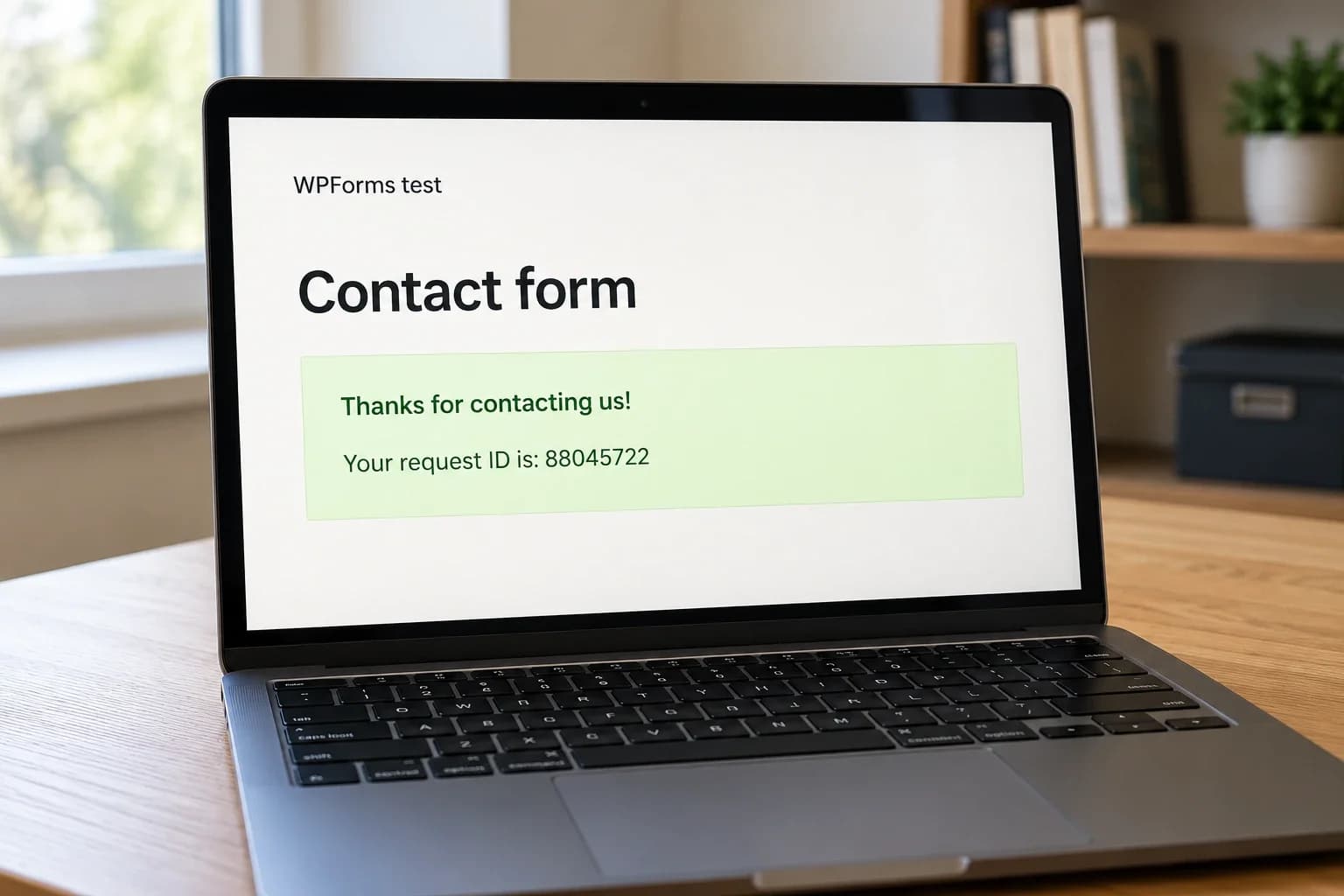
AI can produce a convincing feature quickly. A form looks complete, a dashboard shows plausible data, and the code compiles. Those are useful signs of progress, but they leave an important question unanswered: does the implementation behave correctly inside this particular website?
Treat generated code as a proposed change. Review the behavior, the assumptions and the paths that a polished demo rarely shows.
Define the behavior before reading the code
Start with a short acceptance statement. For a contact form, that might be:
“A valid inquiry is saved once, the visitor sees a clear confirmation, and the website records whether the notification provider accepted the email.”
That statement is more useful than “make the form work.” It separates receiving an inquiry from sending an email, and it creates specific things to verify.
Add the relevant failure cases. What should happen if the connection drops, the visitor presses Submit twice or the email provider is unavailable? Which information should be visible to the visitor, and which belongs in a private log?
Ask the AI to explain how the implementation meets those conditions. Then verify the explanation against the actual code and observed behavior. A confident explanation can still describe code that was never implemented.
Check the project and its dependencies
Generated code may assume a different framework version, invent a helper function or use an API that your installed library does not support.
Inspect new imports, package changes and lockfile updates. Confirm that each added dependency exists, is needed and has a suitable maintenance and licensing profile. Read the documentation for the version you are actually using.
Prefer the project's existing patterns for validation, authentication, storage and error handling. Introducing a second way to solve the same problem makes future changes harder to reason about.
Keep the change small enough to review. A request to fix one form should not silently replace the routing system, rewrite unrelated pages or add a collection of unnecessary packages. Ask for a focused diff and examine every changed file.
Follow data across the trust boundary
For each input, identify where it comes from, who controls it and where it ends up. Browser validation improves the interface, but the server must enforce the rules that protect stored data and privileged actions.
Consider a customer document download. Hiding the download button from other customers is insufficient. The server handling the request must verify that the signed-in person can access that specific document.
OWASP's authorization guidance recommends denying access by default and checking permissions on every request. Review object ownership as well as login status.
Look for secrets in frontend bundles, logs, committed files and example configuration. Use placeholders in prompts and test fixtures. If an assistant needs project context, provide the smallest relevant code sample with private values removed.
Also examine output handling: database queries should use the appropriate parameterized interface, and untrusted content should be rendered safely for its destination. A validation function with a reassuring name does not prove either property.
Test failure states and accessibility
A test suite is useful only if it can catch the mistakes that matter. Tests generated alongside an implementation can repeat its assumptions.
Write a few independent behavioral checks from the acceptance statement before trusting the happy path. For a contact form, useful scenarios include:
- A valid submission creates a stored inquiry and a visible confirmation.
- Invalid input receives a useful error without losing the visitor's message.
- A failed notification attempt does not erase an inquiry that was already saved.
- A repeated submission cannot silently create an unintended series of actions.
- Keyboard users can reach the controls and understand the result.
- A slow response shows a pending state and prevents accidental resubmission.
Inspect the interface at narrow widths and with reduced motion enabled. Check where focus goes after a dialog closes or a form becomes a success message. Accessibility bugs often hide in transitions between states.
Avoid tests that merely assert the presence of a function or mirror its internal implementation. Verify what a visitor or another system can observe.
Use AI review as another source of feedback
A second AI pass can identify inconsistencies and suggest cases you missed. It can also report imaginary problems or overlook a serious one.
GitHub explicitly documents both missed issues and false positives in its Copilot agent limitations. Its code review documentation recommends validating feedback and supplementing it with human review.
Evaluate each finding against evidence. Ask for the affected path, the conditions needed to trigger it and a reproducible example. Do not accept a proposed fix solely because another model agreed with it.
For changes involving access control, payments or sensitive data, bring in a reviewer who understands the relevant system. Extra review should match the consequences of being wrong.
Release a change you can explain and reverse
Before deployment, be able to describe what changed, how it was checked and what could fail. Build the production version and exercise it in an environment that resembles the real deployment.
Keep secrets outside the source archive. Plan any database migration and rollback together, and observe relevant errors after release without logging private message bodies or credentials.
AI assistance is most useful when it shortens the path to a well-understood change. The final responsibility still belongs to the people operating the website.
If an AI-built feature works in a demo but feels uncertain in production, tell me what it should do. I can help review the implementation, resolve the weak points and prepare it for release.
Last updated Oct 25, 2026