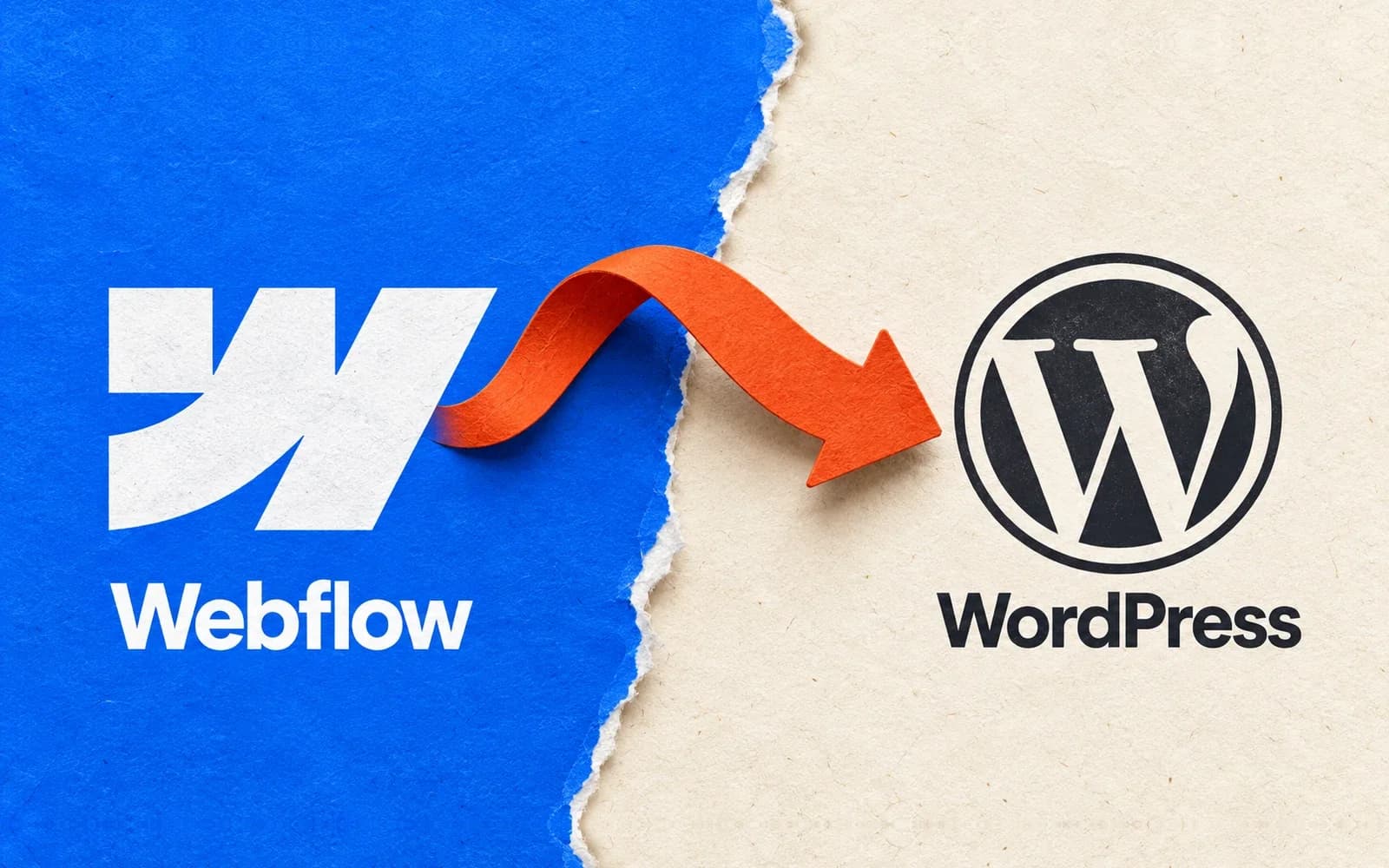
A few clients have emailed me lately about moving their sites from Webflow to WordPress. They like the sites they have. They want to keep the layout, the type and the way things move as you scroll. The part they’d like to change is the bill.
I get it. If you paid for a design you love, being told you need a redesign to lower your running costs is a pretty unappealing deal. So there are two things I’d want to know before quoting for the job. How much would you actually save? And can we keep the bits of the site you’d miss if they were gone?
The bill I’d compare
I’d start with the last twelve months of Webflow invoices. A simple brochure site and a site with a few hundred CMS entries can sit on different plans. Your own bills tell you more than the cheapest number on a pricing page. See Webflow’s site plans (opens in a new tab).
Then I’d price the WordPress version for the same year. You can run WordPress on a host you choose. You still need somewhere to host it and someone to handle updates, backups and the occasional broken form. If your hosting plan already covers backups, count them once. If you’ll pay someone for maintenance, put that in the total too.
Here’s a made-up example to show why this matters. Say the new setup saves you $20 a month after all that, and the rebuild costs $600. It takes 30 months to get that money back. If you already plan to replace the site next year, I’d keep it where it is. If you expect to use this design for years, I’d take a closer look.
Can we keep the way it moves?
Take a project gallery where the photo stays in place while two or three lines of text scroll past. A screenshot captures the layout. It tells you very little about when the photo should release, what happens if the text gets longer, or how the whole thing feels under your thumb on a phone.
That’s the kind of section I’d try first. I’d record a quick scroll through the client’s own page, grab the original images and use those as the reference. You can do that trial without buying a page builder. If you need a paid AI plan for the job, include it in the rebuild cost.
For these clients I suggested Uncoder (opens in a new tab). Its free WordPress builder has a built-in MCP connection. In everyday terms, that lets an AI assistant like Claude work inside the page editor. It can build a first pass with real headings, images and containers, and help set up effects like reveals and scroll animations. Afterwards you can open the editor, swap a photo or fix a line break yourself. How Uncoder works (opens in a new tab).
The video below shows the workflow with Claude and Uncoder. For a first attempt, I’d give the assistant this prompt. Rebuild this gallery from my existing site. Keep the image pinned on desktop, stack it above the text on mobile, and let me change each caption in WordPress.
The test I’d do before moving the whole site
I’d put that one rebuilt page on a private WordPress site and hand it to the person who’ll actually look after it. Give them a longer headline and a different photo. Can they make both changes without calling me? Then open the page on a phone. Does the new headline wrap nicely? Can you scroll past the gallery without getting stuck? Turn on reduced motion and check that you can still read every caption.

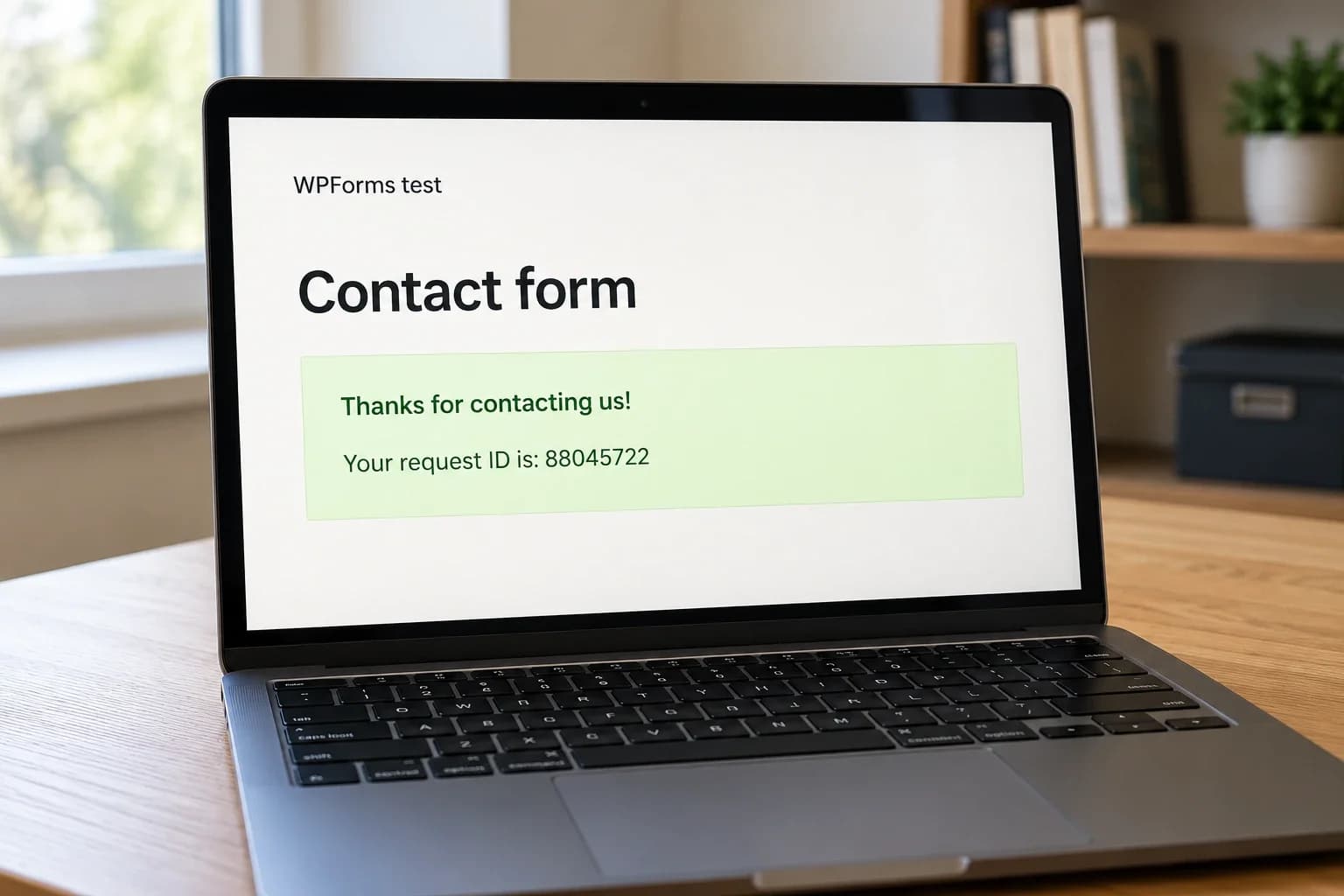
Once that page feels right, I’d move on to the less glamorous jobs. Open an old blog link from a bookmark. Submit the contact form and check the inbox. Make sure someone on the team can publish the next article. Those are easy things to forget when two homepages look the same side by side.
If you’re weighing up the same move, send me the page you’d hate to lose and tell me which part of the bill bothers you. With those two things, we can work out whether WordPress makes sense for your site. Get in touch.
Last updated Oct 31, 2026